
Wooden menu covers
Your menu in a cover of birch or MDF: logo and title engraved, held together by binding screws. You print the pages yourself – with our print template in the right size. So your next seasonal menu costs nothing but paper.
- · Logo and title engraved or cut out
- · Print and swap the pages yourself
- · Fixed price and preview instantly
from €12 incl. VAT
How it works
- 1
Choose size and build
Choose the paper size of your menu, portrait or landscape, and whether you want a screw-bound folder with a front cover or a clipboard.
- 2
Engrave logo and title
Upload your logo and add a title such as “Menu” or “Wine list” – engraved as an outline or filled, the title cut out if you like. The preview shows how it looks on the wood.
- 3
Download the print template
Your cover comes with a free print template in the exact page size. You print the menu yourself and punch it with an office hole punch – a new season without a new order.
- 4
The cover comes with binding screws
We cut and engrave the parts and include binding screws in the right length. Unscrew, insert the pages, screw back in – done.
Two builds
Both builds hold the pages with binding screws on a wooden binding strip. The difference is at the front:
Screw-bound folder
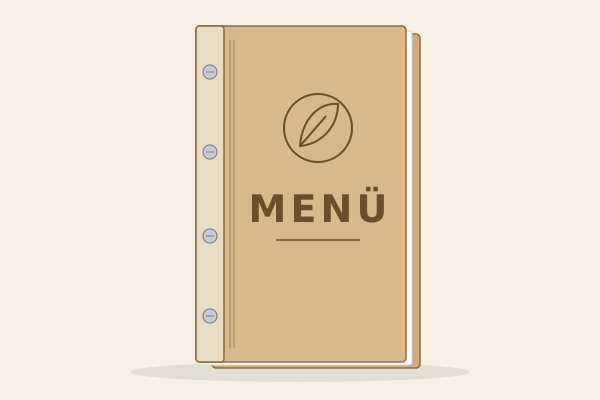
Front and back cover in wood, plus the binding strip. The front cover carries logo and title and protects the first page – the classic menu for the table.
Clipboard
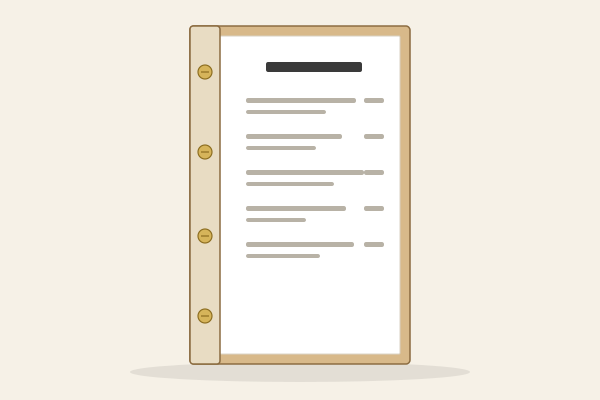
Back cover and binding strip, the first sheet lies right on the front. Lighter and cheaper – ideal for daily specials, drinks menus and the counter.
Cover, back, screws
In the configurator you set what goes onto the wood. Price and preview update instantly.
- Logo
- Engraved as an outline (fine lines) or filled. You decide its size and position on the cover.
- Title
- “Menu”, “Wine list” or your own text – engraved as an outline, filled or cut out so the first sheet shows through.
- Window
- A rectangular cut-out in the cover shows an insert card – handy for changing lunch and dinner menus.
- Back with QR code and table number
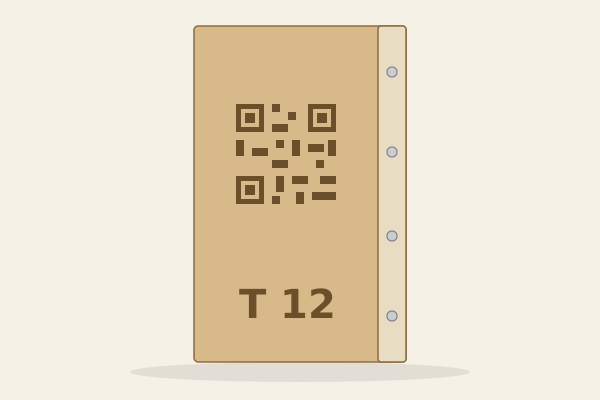
- Engraved on request: a QR code, for example to your online menu or review page, and a table number such as “7” or “T12”.
- Binding screws nickel-plated or brass-plated
- Silver or gold – the length depends on the number of pages you specify.
Sizes
The cover is built around the paper that goes inside – every size comes in portrait and landscape, the square in a single orientation.
- A4210 × 297 mm
- A5148 × 210 mm
- A4 narrow148 × 297 mm
- DL105 × 297 mm
- Square 21 cm210 × 210 mm
Paper dimensions in portrait. The cover is slightly larger so the paper is protected.
Material
Birch plywood 3 mm with a light, lively grain, or MDF 3 mm, smooth and evenly brown. Both are supplied raw and untreated – which keeps the engraving high in contrast.
Care
Wipe clean with a slightly damp cloth. Not dishwasher-safe and not for soaking – wood swells in standing water.
Print template
The print template has the exact page size of your cover and leaves the margin under the binding strip blank. You fill it with your menu, print on ordinary paper up to 120 gsm and punch it with an office hole punch.
Frequently asked questions
Do holes from my office hole punch fit?
Yes. The binding strip is drilled at the 80 mm hole spacing of ISO 838 – the spacing of every ordinary office hole punch, 12 mm from the paper edge. Depending on the size it has two or four holes on the same 80 mm grid (four as per ISO 888): punch them with a four-hole punch or twice with a normal punch.
Which paper should I use?
Ordinary printer paper up to 120 gsm. We also base the length of the binding screws we include on 120 gsm.
How many pages fit inside?
In the configurator you specify how many sheets go in and whether they sit in sleeves. That determines the length of the binding screws we include. Sleeves are thicker than paper, so fewer sheets fit.
How do I care for the cover?
Wiping with a slightly damp cloth is enough. The cover is raw and untreated, not dishwasher-safe and must not lie in water.
What format does my logo need to be in?
Ideally a vector file (SVG or PDF) – then every line is engraved exactly. A PNG or JPG works too: we convert it into lines in your browser, and the preview shows how the engraving will look before you order.
Can I upload any logo?
Only one you hold the rights to – usually the logo of your own business. You confirm this when uploading; you are responsible for the rights to the logo.
Can I reorder more covers later?
Yes. Every order gets a configuration no.; with it you reopen your cover and reorder the same version – even years later.
How quickly will the cover arrive – and can I return it?
We only make it once you order; after that it is packed securely and with you in a few days. Every cover is made to order to your specifications – the right of withdrawal is excluded (Section 312g (2) No. 1 BGB). That is why you see an exact preview before you order.
Do you print the inside pages too?
No, you print the pages yourself. In return you get the print template free of charge – so you can swap the menu at any time without ordering a new cover.
Screw-bound folder or clipboard – which suits me?
The screw-bound folder has a front cover with logo and title and protects the menu at the table. The clipboard is lighter and cheaper, with the menu right on the front – good for daily specials and drinks.
Your menu in wood
Choose a size, upload your logo, check the preview – the price is fixed instantly.
Design your menu