
MDF
2 variants, thicknesses: 3 / 5 mm. Cut on the P1–P3 and Q formats, price shown live while you design.
- Laser cutting
- Vector engraving
- Raster engraving
kerf
The laser vaporizes material — the cutting gap varies with material and thickness. Cuts run centered on the drawn line; for shape.tools products we factor the kerf into your dimensions automatically.More in the glossary →P1–P3 and Q sheet formats
Our four sheet formats: P1 = 181 × 181 mm, P2 = 384 × 384 mm, P3 = 790 × 384 mm, Q = 900 × 450 mm. Your design has to fit on one of the sheets. For scale: a vinyl record cover sits between P1 and P2.More in the glossary →
How MDF lasers
Standardised photos of the real material — same motifs, same light, so you can compare materials.
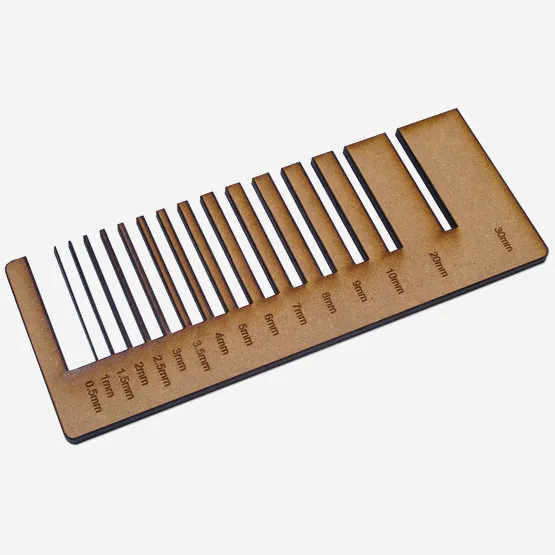
Test cuts 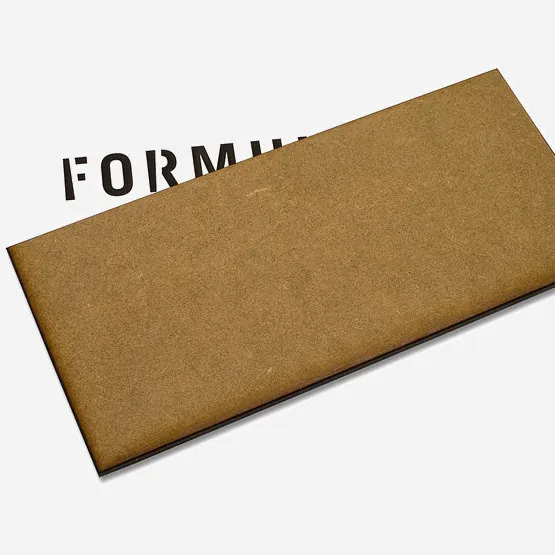
Transparency 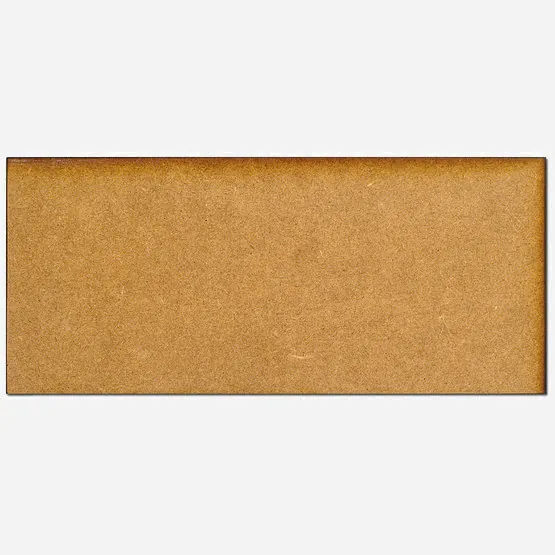
Top view 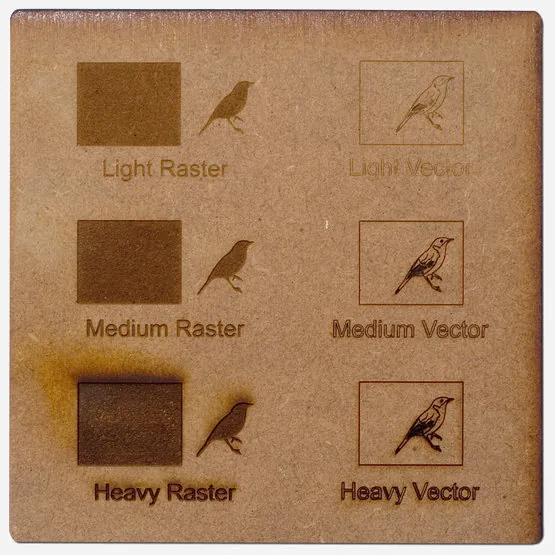
Engraving 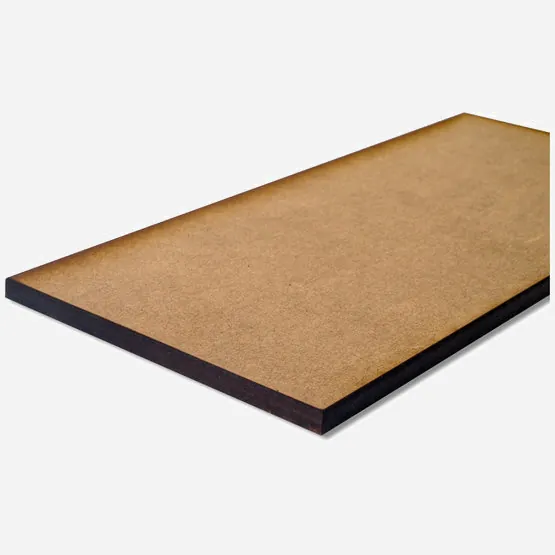
Cut edges
raster engraving
The laser fills an area line by line — like a printer. Ideal for logos and larger motifs. In your file: black filled areas, RGB(0, 0, 0).More in the glossary →vector engraving
The laser traces a line and engraves it into the material — precise, ideal for fine contours. In your file: red hairlines, RGB(255, 0, 0).More in the glossary →Good to know
Description
MDF (medium density fibreboard) is a medium-hard fibreboard with a dense surface. It is made from debarked softwood — hence the relatively light colour. Fun fact: a 16 mm board starts as a fibre mat almost a metre thick before pressing.
Further processing
Work MDF with the usual solid-wood tools; it routs especially well. Use carbide-tipped tools — the high density wears cutting edges quickly.
The boards take varnish directly; for opaque finishes, prime with an MDF sealer first.
Bridges
For small parts under 15 × 15 mm, plan small bridges: interrupt the cut contour by at least 0.5–0.8 mm. All parts then stay safely in the sheet until they reach you — push them out by hand or free them carefully with a craft knife.
Variants & sheet prices
Category: Wood
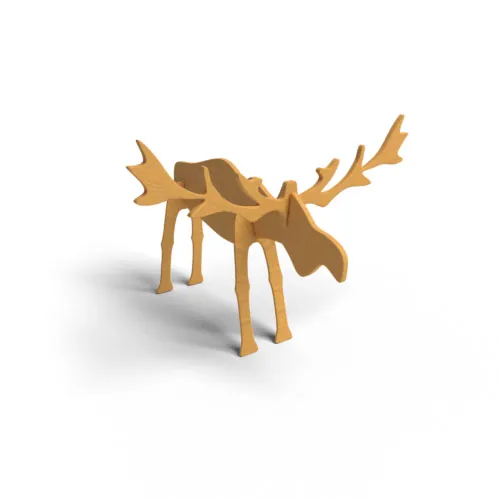
| Color / finish | Thickness | P1 (181 × 181 mm) | P2 (384 × 384 mm) | P3 (790 × 384 mm) | Q (900 × 450 mm) |
|---|---|---|---|---|---|
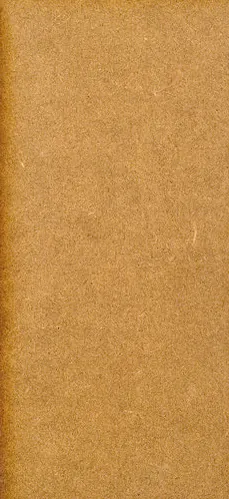 brown, uncoated brown, uncoated | 3 mm | €1.59 | €3.90 | €6.79 | €9.07 |
| brown, uncoated | 5 mm | €1.75 | €4.50 | €7.40 | €9.88 |
Sheet prices incl. VAT. Your cut costs sheet plus laser time — you see the fixed price live when uploading or modelling.
Quick answers
Which thicknesses does MDF come in?
3 / 5 mm — 2 thicknesses across 2 variants of colour and finish. You pick the thickness while designing; it drives both price and cutting time.
Which sheet sizes do you cut on?
Four formats: P1 181 × 181 mm, P2 384 × 384 mm, P3 790 × 384 mm, Q 900 × 450 mm. Your design has to fit one of these sheets — larger objects get split into several parts.
What does MDF cost?
A sheet starts at €1.59 (P1), €3.90 (P2), €6.79 (P3) and €9.07 (Q), each including VAT. What you pay for is the cutting: area, cutting length, engraving, setup and shipping — calculated before you order.
Can MDF be engraved?
Yes, both as vector engraving and as raster engraving. In your file the colour drives the laser: red hairlines are engraved as lines, black filled areas as surfaces.
Can MDF be bent?
No. MDF cannot be bent with our bending process, so the “Bend” tool is not offered for this material. Acrylic up to 6 mm (except mirror), PET-G and polypropylene can be bent.
Do I get the whole sheet?
No. You receive your cut parts, not the rest of the sheet. The sheet price is the basis for the calculation, not the scope of delivery.
Related materials
More materials from the same catalogue group as MDF — for a direct comparison.
Knowledge for this material
- Which material survives outdoors
An honest suitability matrix across our range: what withstands UV, rain and frost — and what is unusable after one winter.
- Allowing for kerf
Why laser-cut tab joints wobble even though the drawing is correct — and how to compensate for the kerf in your file.
- Which material thickness
Why 3 mm is the standard, when 5 mm becomes necessary and why thicker material costs disproportionately more.