
Polypropylene
1 variant, thicknesses: 0.8 mm. Cut on the P1–P3 and Q formats, price shown live while you design.
- Laser cutting
- Vector engraving
- Raster engraving
- Bendable up to 0.8 mm
kerf
The laser vaporizes material — the cutting gap varies with material and thickness. Cuts run centered on the drawn line; for shape.tools products we factor the kerf into your dimensions automatically.More in the glossary →P1–P3 and Q sheet formats
Our four sheet formats: P1 = 181 × 181 mm, P2 = 384 × 384 mm, P3 = 790 × 384 mm, Q = 900 × 450 mm. Your design has to fit on one of the sheets. For scale: a vinyl record cover sits between P1 and P2.More in the glossary →
How Polypropylene lasers
Standardised photos of the real material — same motifs, same light, so you can compare materials.
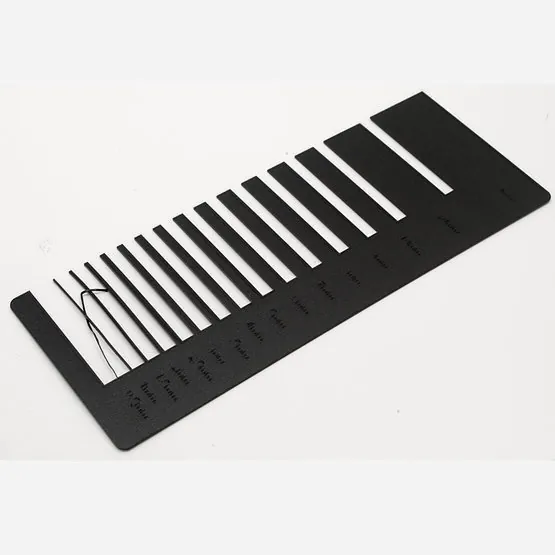
Test cuts 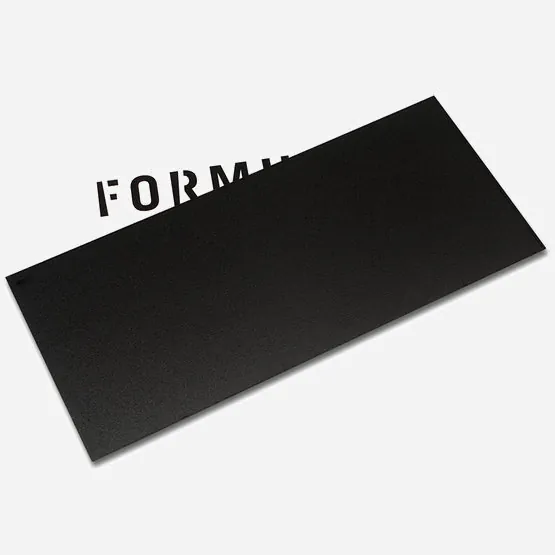
Transparency 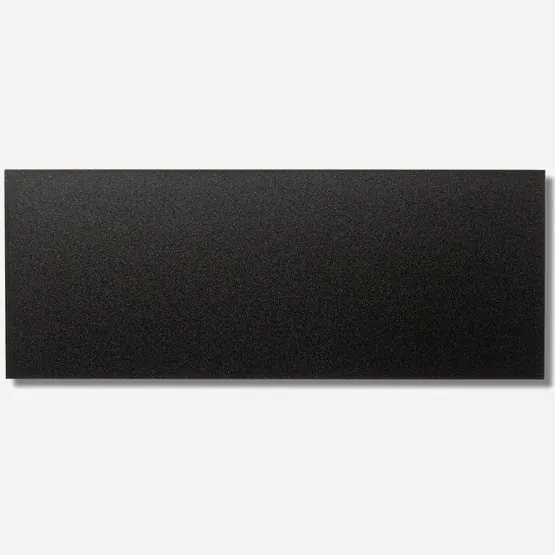
Top view 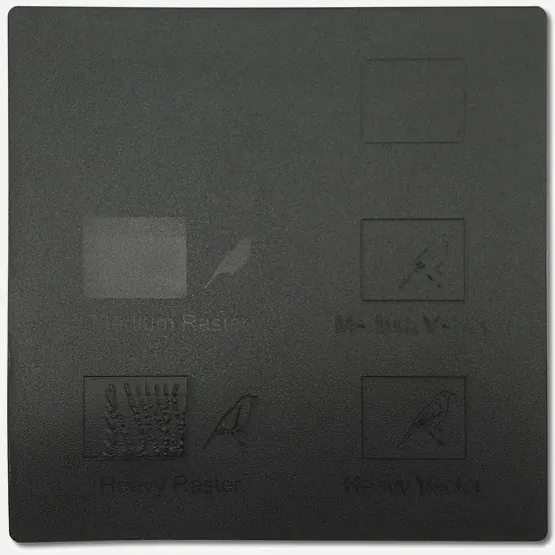
Engraving 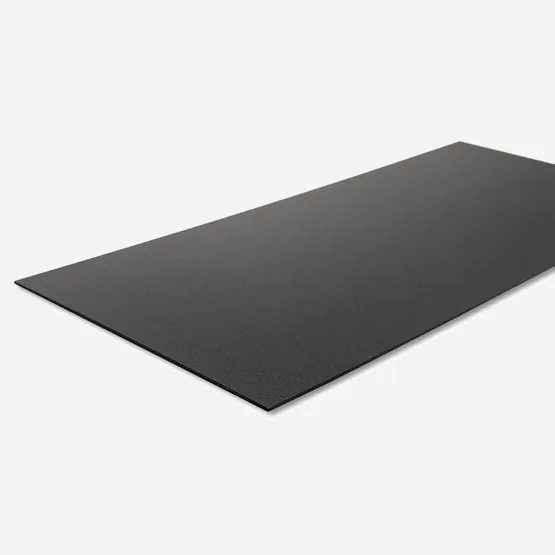
Cut edges
raster engraving
The laser fills an area line by line — like a printer. Ideal for logos and larger motifs. In your file: black filled areas, RGB(0, 0, 0).More in the glossary →vector engraving
The laser traces a line and engraves it into the material — precise, ideal for fine contours. In your file: red hairlines, RGB(255, 0, 0).More in the glossary →Good to know
Description
Extraordinarily tough and tear-resistant — that makes polypropylene extremely versatile. It is light, antistatic, fairly scratch-resistant, resistant to many chemicals, UV-stabilised and temperature-stable from approx. −10 to +110 °C.
Compared to other plastics, polypropylene contains few additives of concern and, under favourable conditions, burns down to water and carbon dioxide.
Typical applications: cladding and covers — and anything that needs to be thin and flexible but must not be paper.
Joining
Gluing polypropylene is harder than with other plastics. Small-area joints work with primer pre-treatment and superglue — but that is not enough for structural use. Better: mechanical joints such as rivets, snap fits or hook-and-loop tape, whose adhesive holds well on this material.
Good to know
Polypropylene melts under the laser: fragile designs are left with melted edges and sometimes fine strands, for instance at very sharp corners. Plan generous shapes and enough distance between objects — at least 7–10 mm is a good rule.
For engraving we only recommend the medium raster or vector setting — a heavy engraving melts the material, as the engraving demo above shows.
Variants & sheet prices
Category: Other plastics
| Color / finish | Thickness | P1 (181 × 181 mm) | P2 (384 × 384 mm) | P3 (790 × 384 mm) | Q (900 × 450 mm) |
|---|---|---|---|---|---|
 black, opaque black, opaque | 0.8 mm | €1.50 | €5.60 | €9.81 | €13.09 |
Sheet prices incl. VAT. Your cut costs sheet plus laser time — you see the fixed price live when uploading or modelling.
Quick answers
Which thicknesses does Polypropylene come in?
0.8 mm — 1 thicknesses across 1 variants of colour and finish. You pick the thickness while designing; it drives both price and cutting time.
Which sheet sizes do you cut on?
Four formats: P1 181 × 181 mm, P2 384 × 384 mm, P3 790 × 384 mm, Q 900 × 450 mm. Your design has to fit one of these sheets — larger objects get split into several parts.
What does Polypropylene cost?
A sheet starts at €1.50 (P1), €5.60 (P2), €9.81 (P3) and €13.09 (Q), each including VAT. What you pay for is the cutting: area, cutting length, engraving, setup and shipping — calculated before you order.
Can Polypropylene be engraved?
Yes, both as vector engraving and as raster engraving. In your file the colour drives the laser: red hairlines are engraved as lines, black filled areas as surfaces.
Can Polypropylene be bent?
Yes. Polypropylene can be bent along a straight line, in thicknesses up to 0.8 mm. You draw the bend line with the “Bend” tool and set angle and radius.
Do I get the whole sheet?
No. You receive your cut parts, not the rest of the sheet. The sheet price is the basis for the calculation, not the scope of delivery.
Knowledge for this material
- Bending laser-cut parts
Which materials can be bent along a line, why cork, leather and wood are not among them — and how to plan the radius and spacing of your bend lines properly.
- Allowing for kerf
Why laser-cut tab joints wobble even though the drawing is correct — and how to compensate for the kerf in your file.
- Which material thickness
Why 3 mm is the standard, when 5 mm becomes necessary and why thicker material costs disproportionately more.